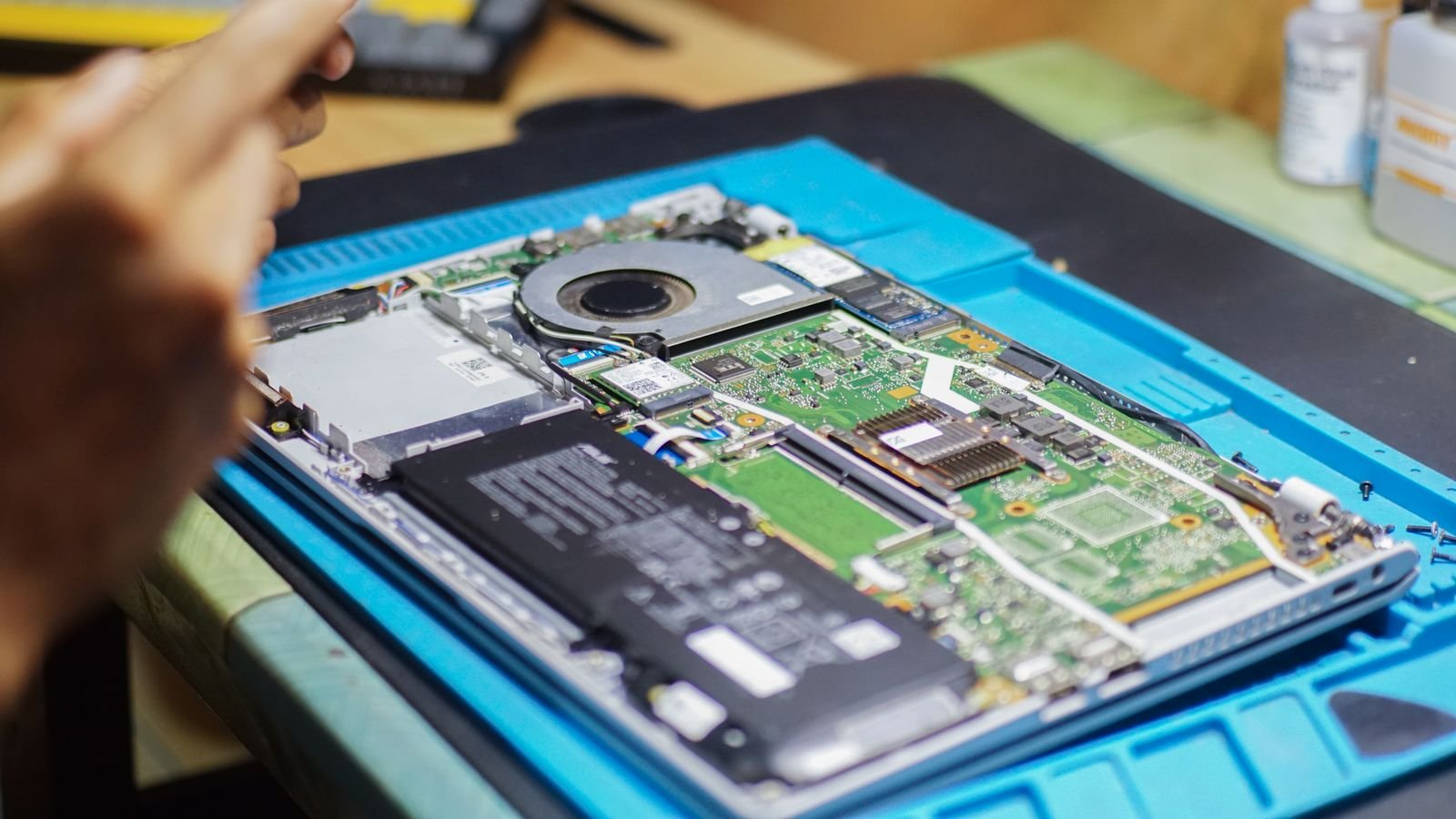

The single biggest thing that shortens a laptop battery’s lifespan isn’t heavy use, it’s keeping it charged at 100% for long periods and letting it get hot. A few habit changes can meaningfully extend how long your battery lasts before it needs replacing. If it’s your phone’s battery you’re worried about instead, see our guide on what battery health percentage means it’s time to replace.
Why batteries degrade in the first place
Laptop batteries use lithium-ion cells that naturally lose a small amount of capacity every charge cycle. That’s unavoidable. What isn’t unavoidable is accelerated degradation caused by heat and constant full charging, both of which stress the battery chemistry far more than normal daily use does.
1. Avoid keeping it plugged in at 100% all day
If your laptop mostly lives on your desk plugged into power, sitting at 100% charge for hours every day puts more long-term stress on the battery than regular charge cycles do. Many laptops (Windows via manufacturer software, and MacBooks via Settings → Battery → Optimized Battery Charging) can cap charging around 80% for exactly this reason. Turning this on is one of the most effective single changes you can make.
2. Keep it out of the heat
Heat is the fastest way to age a battery. Avoid leaving your laptop in direct sunlight, inside a hot car, or on a soft surface like a bed or blanket that blocks the vents and traps heat underneath. If it feels warm during normal browsing, that’s usually a sign of restricted airflow, not just heavy processing.
3. Don’t let it repeatedly drain to 0%
Occasionally running the battery flat isn’t harmful, but making a habit of it adds unnecessary stress. Keeping the battery generally between 20% and 80% for daily use, and only charging fully before something like travel, is a healthier long-term pattern.
4. Reduce background load when running on battery
This doesn’t directly extend the battery’s lifespan, but it reduces heat generated during use, which indirectly helps. Lowering screen brightness, closing unused browser tabs, and disabling battery-heavy background apps all reduce how hard the battery and processor work together.
5. Store it correctly if you won’t use it for a while
If you’re putting a laptop into long-term storage, charge it to around 50% first, not 0% or 100%, and check on it every few months. Storing a lithium-ion battery fully charged or fully drained for extended periods causes faster capacity loss than storing it partially charged.
Quick habit checklist
- Turn on optimized/limited charging if your laptop offers it
- Keep it out of direct sun, hot cars, and soft surfaces that trap heat
- Aim for the 20–80% range for everyday use
- Lower brightness and close unused apps when on battery
- Store at roughly 50% charge, not full or empty, for long-term storage
FAQs
Should I remove the battery and run on power only, if my laptop allows it?
Manufacturers generally advise against this for modern laptops, as the battery also helps regulate power delivery. It’s better to use built-in charge-limiting features instead.
Does fast charging damage the battery faster?
Fast charging does generate more heat than slow charging, so using it occasionally is fine, but relying on it constantly can contribute to slightly faster degradation over time.
How much difference do these habits actually make?
Consistently following them can meaningfully extend the number of years before you notice significant capacity loss, though exact results vary by laptop model and battery chemistry.