
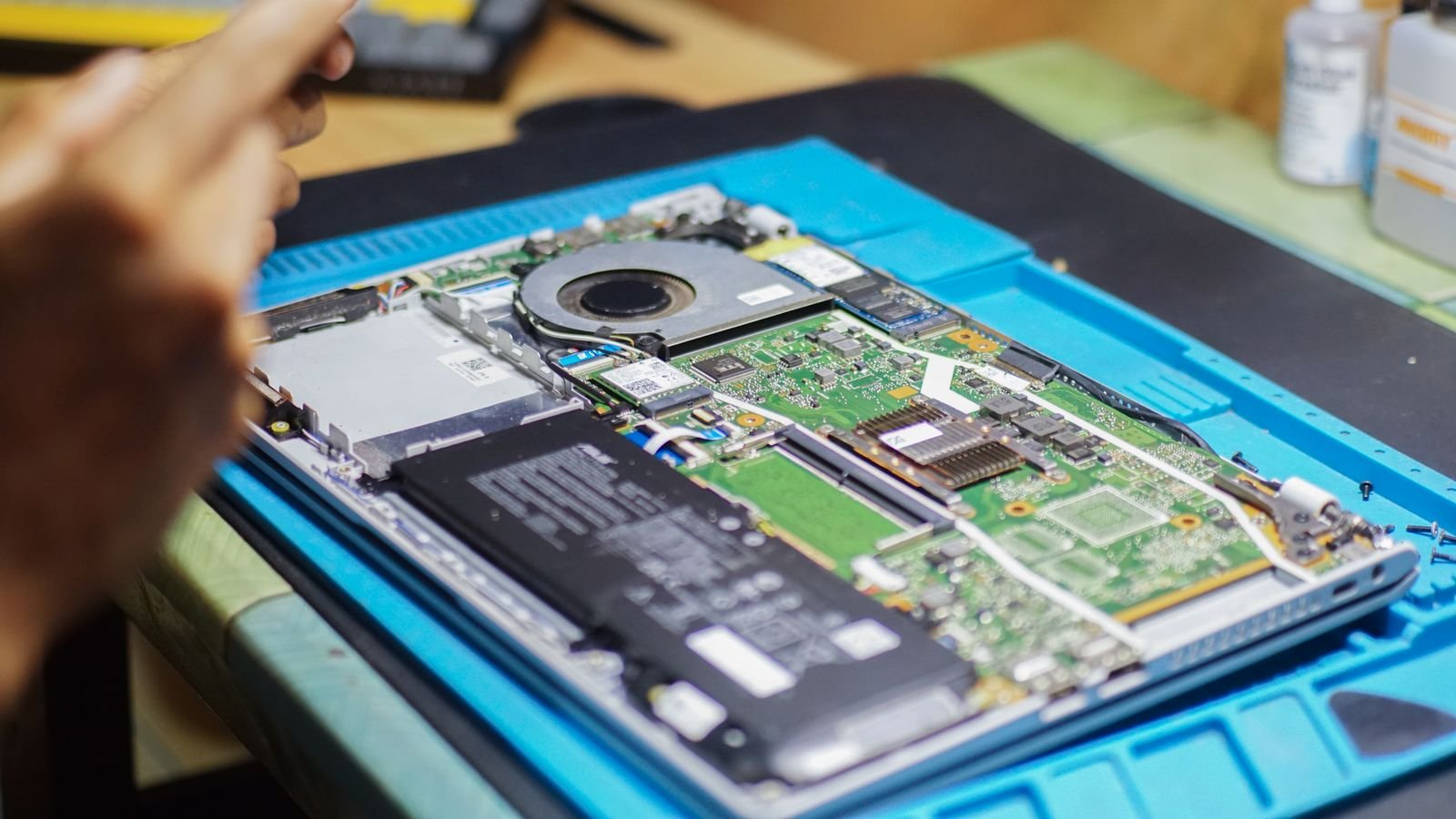
Your laptop needs an SSD upgrade if it is otherwise fast enough but takes ages to boot or open programmes, and needs a full replacement if the processor itself struggles even with light tasks. The storage drive and the processor fail in different ways, and knowing which one is holding you back saves you from spending money on the wrong fix.
Why this decision is so confusing
A slow laptop feels like one problem. It is usually two. Storage speed and processing power fail independently, and each one produces a different kind of slowness. Most guides list generic fixes without helping you work out which component is actually the bottleneck, so people end up buying a new laptop when a forty pound part would have fixed it, or upgrading a drive when the real problem was the processor all along.
The five minute test to find your actual bottleneck
Open Task Manager on Windows with Ctrl, Shift and Escape, or Activity Monitor on a Mac. Watch it while you do your normal work for a few minutes.
- Disk usage sits near 100 percent, CPU stays low: your storage drive is the bottleneck. An SSD upgrade will fix this.
- CPU usage sits near 100 percent, disk stays low: your processor is the bottleneck. No storage upgrade will fix this.
- Both sit high constantly, even when idle: this usually points to malware or a runaway background process, not hardware age. Check Startup apps before spending any money.
When an SSD upgrade is the right call
If your laptop still uses a traditional hard drive, an SSD is almost always worth it. Hard drives are mechanical and physically slow at finding files. Swapping to an SSD often cuts boot time from over a minute to under fifteen seconds, and it is the single biggest speed jump available for under a hundred pounds.
Signs an SSD will solve your problem:
- Boot up takes over a minute
- Programmes take several seconds to open even though your processor is a few years old, not ancient
- The laptop feels fine once things are open, just slow to start
- You hear clicking or grinding noises, a sign of a failing mechanical drive
Most laptops from the last decade can accept a 2.5 inch SATA SSD as a direct swap, and cloning software can copy your existing setup across so you do not need to reinstall anything.
When a full replacement makes more sense
If your laptop already has an SSD and still struggles, the processor is the limiting factor, and processors cannot be upgraded in almost any modern laptop. At that point you are choosing between living with the slowness or replacing the machine.
Signs it is time to replace rather than upgrade:
- You already have an SSD and it is still slow
- Even simple tasks like opening a browser with a few tabs cause visible lag
- The laptop cannot run the current version of your operating system
- Software you need for work has stopped supporting your processor generation
The cost comparison that actually matters
An SSD upgrade typically costs between thirty and eighty pounds for the drive itself, plus nothing if you fit it yourself, or a modest fee at a repair shop. A decent replacement laptop starts around four hundred pounds. If the disk usage test above points to your drive, an SSD gives you most of the speed of a new laptop for a fraction of the price. If it points to your processor, no amount of spending on storage will close that gap, and the laptop cost becomes the honest number to plan around.
Before deciding either way, it is also worth ruling out software causes. Too many startup programmes, a nearly full drive, or accumulated background clutter can mimic hardware failure. Our guide on extending your laptop’s battery lifespan covers some of the same background habits worth checking, since heat and heavy background load affect both battery and performance together.
A simple way to decide
Run the five minute test above. If disk usage is the problem and the laptop is otherwise capable, buy the SSD. If CPU usage is maxed out even during light use, save towards a replacement instead. Spending on the wrong part is the most common mistake people make here, and the test costs nothing but a few minutes.
FAQs
Can I upgrade the processor instead of buying a new laptop?
Almost never. Laptop processors are soldered directly onto the motherboard in the vast majority of modern machines, unlike desktop PCs where a processor swap is straightforward.
Will adding more RAM help if the processor is the bottleneck?
Only partially. More RAM helps if you multitask heavily and the laptop is swapping data to disk, but it will not speed up a genuinely underpowered processor.
Is it worth upgrading a laptop that is more than seven years old?
Usually not for the processor bottleneck case. Software support and security updates tend to end around that age regardless of speed, which is a stronger reason to replace than performance alone.