No. Incognito mode does not hide your browsing history from your WiFi owner. Anyone who controls the router, such as a parent, an employer, or a landlord, can still see which websites you visit through router logs or network monitoring tools. Incognito only stops your own browser from saving that history on your device. This guide explains exactly who can see what, what private browsing actually hides, and what to use instead when you want real privacy.
The Short Answer
Incognito mode, called private browsing in some browsers, works locally. It stops Chrome from saving your browsing history, cookies, site data, and form entries on the device you are using. It does not encrypt your traffic and it does not hide your activity from the network you are connected to. Your WiFi owner, your internet service provider, and the websites you visit can still see your activity in the ways described below. If you close an Incognito window and someone later checks your browser history, they will find nothing. If that same person checks the router instead, your visits are still visible.
The confusion is understandable. The word “private” suggests nobody can see what you do. In reality, Incognito protects you from the next person who picks up your device, not from the network itself. Think of it as clearing your footprints from your own floor, while the hallway camera keeps recording.
Who Can See What: the Full Table
Different people see different parts of your browsing. The table below shows who sees what when you use Incognito mode on home or shared WiFi.
| Who is watching | What they can see in Incognito mode | What they cannot see |
|---|---|---|
| Your WiFi owner (router admin) | Domain names you visit, such as google.com or youtube.com, plus connection times and data volumes | Exact pages inside encrypted (HTTPS) sites, and your passwords |
| Your internet service provider | Domain names you visit and when, unless you use a VPN or encrypted DNS | Exact pages on HTTPS sites, and content of encrypted traffic |
| Your employer or school network admin | Domains visited, and often much more if they installed monitoring software or a custom certificate on your device | Nothing extra, if the device is managed and monitored, Incognito offers no protection |
| The websites you visit | Your IP address, approximate location, browser type, and any account you sign in to | Your browsing on other sites, unless trackers connect the dots |
| Someone using your device afterwards | Nothing from the Incognito session, history and cookies are deleted when the window closes | Downloads and bookmarks you deliberately saved during the session |
| Google (if signed in to Chrome) | Activity tied to your Google account, such as YouTube or Search activity, if those settings are on | Nothing, if you stay signed out and activity controls are off |
The key point is the domain name. On a modern HTTPS website, the page content and the exact article you read are encrypted, but the domain itself is still visible to the network. Your WiFi owner can see that you visited youtube.com at 9pm, but not which video you watched. That distinction matters, because a list of domains still reveals a great deal about your habits.
What Incognito Actually Hides
Incognito mode does a useful but narrow job. When you close all Incognito windows, Chrome deletes the browsing history, cookies, and site data from that session. It also blocks many extensions by default, unless you allow them, and it does not save form entries or autofill data from the session.
This makes Incognito genuinely useful in several situations. On a shared family computer, it keeps your searches out of the history list. On a borrowed laptop, it stops your logins from staying saved. When you shop for a gift, it keeps that surprise out of the browser history. On a public computer, it reduces what the next user can find. These are all local privacy wins, and they are worth using.
What Incognito never does is hide your traffic from the network. It does not change your IP address, it does not encrypt your connection, and it does not stop your router from logging domains. It also does not make you anonymous to websites. If you sign in to an account during an Incognito session, that service knows exactly who you are. And if you download files or bookmark pages, those stay on the device after the window closes.
What Incognito Does Not Hide on Shared WiFi
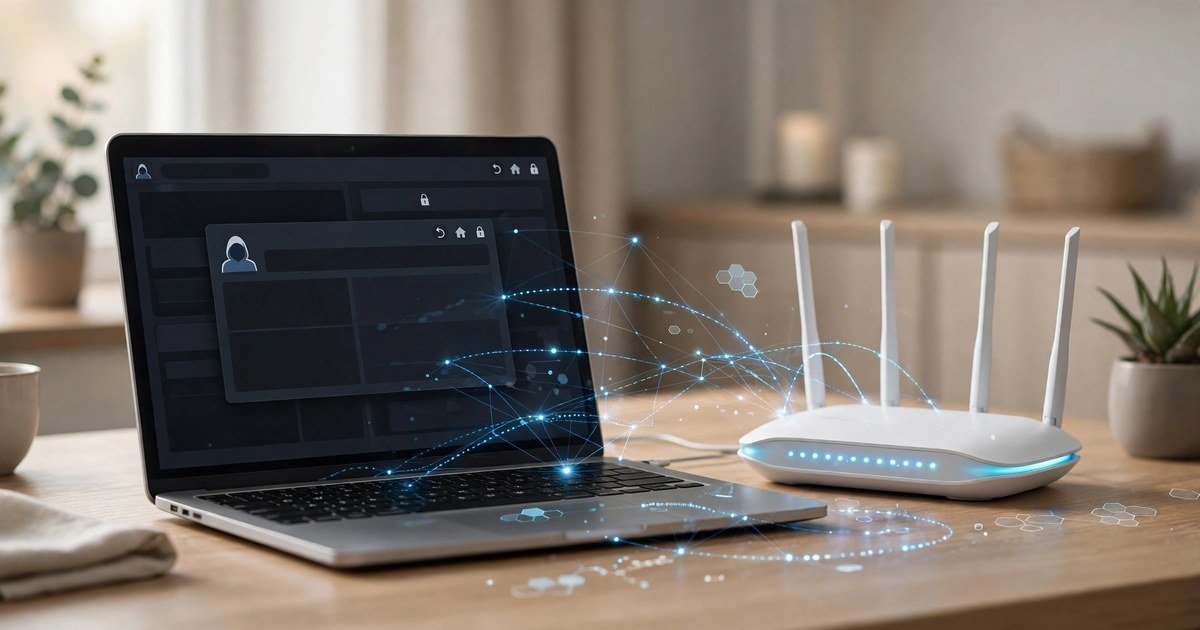
Most home routers keep logs of connected devices and the domains they contact, and many UK ISP supplied routers from BT, Sky, Virgin Media, and TalkTalk offer parental controls or activity reports that show exactly this. A WiFi owner only needs to log in to the router admin page to see a list of visited domains, often with timestamps. Third party tools and apps can make the same data even easier to read.
Public and shared networks add another layer. On hotel, cafe, or office WiFi, the network owner may run monitoring that goes beyond basic router logs. If you are on a work or school device with management software installed, Incognito cannot help at all, because the monitoring sits below the browser. If your home WiFi keeps dropping while you test any of this, the problem is usually separate from privacy settings, and our guide to why WiFi keeps disconnecting on a laptop walks through the common causes in order.
What to Use Instead
If you want to stop your WiFi owner or ISP from seeing which sites you visit, you need a tool that encrypts your traffic and hides the destination domains. A reputable VPN does this by routing all of your traffic through an encrypted tunnel, so the network sees only a connection to the VPN server, not the sites beyond it. Our breakdown of VPN vs proxy: which one do you need explains the difference in plain terms and helps you pick the right tool.
A VPN is the strongest single step for this specific problem, but it is not magic. The VPN provider itself can see your traffic, so choose one with a clear no logs policy and a reputation worth trusting. A VPN also does not stop websites from tracking you with cookies or fingerprinting, so pair it with sensible browser habits: stay signed out of accounts you do not need, clear cookies regularly, and use a privacy focused browser or extensions if tracking is your concern.
Encrypted DNS is a smaller, free step worth taking too. Switching your DNS to a provider that supports DNS over HTTPS, such as Cloudflare (1.1.1.1) or Google (8.8.8.8), stops your ISP and WiFi owner from reading your DNS lookups, which is one of the main ways domains leak. It does not hide the domain from every observer, because the connection itself can still reveal it, but it closes one common leak. For everyday privacy at home, a VPN plus encrypted DNS is a solid combination.
FAQs
Can my parents see my Incognito history on the WiFi?
They cannot see it in your browser history, because Incognito deletes that when the window closes. They can see the domains you visited if they check the router logs or use parental control reports, because Incognito does not hide traffic from the network.
Does Incognito hide history from my internet provider?
No. Your internet provider can still see the domains you visit in Incognito mode. Only a VPN, or encrypted DNS combined with other protections, reduces what your provider can observe.
Can my employer see what I browse in Incognito mode?
Yes, if you are on a work network or a managed device. Network monitoring and device management software operate below the browser, so Incognito mode offers no protection against them.
Does Incognito mode hide my IP address?
No. Your IP address stays the same in Incognito mode, and websites can still see it. A VPN is the tool that changes the IP address websites observe.
Is anything I do in Incognito truly private?
Only from the next person who uses your device. Incognito keeps your local history, cookies, and form data out of the browser, but it does not hide your activity from your WiFi owner, your ISP, or the sites you visit.
Conclusion
Incognito mode is a useful tool for local privacy, but it is not a cloak for your network activity. Your WiFi owner can still see the domains you visit, and your ISP can too. If keeping your browsing private from the network matters to you, use a reputable VPN, turn on encrypted DNS, and stay signed out of accounts you do not need. Incognito still has its place, for shared devices and quick local privacy, but now you know exactly where its protection ends.