You can meaningfully cut your phone screen time without deleting a single app, by changing how and when apps are accessible rather than removing them. Deleting apps usually backfires anyway, since most people just reinstall them within days. Adjusting friction and timing works better and lasts longer.
Why deleting apps rarely works long term
Deleting an app removes the icon, not the habit. The urge to check it is still there, and reinstalling takes under a minute, so most people end up back where they started within a week, often feeling worse for having “failed” at the deletion. A more durable approach works with the habit loop directly, rather than trying to remove the option entirely.
Use your phone’s built-in limits properly
Both iPhone and Android have genuinely effective built-in tools that most people set up once and never adjust. On iPhone, go to Settings, then Screen Time, then App Limits, and set a daily limit for specific apps or categories. On Android, go to Settings, then Digital Wellbeing and Parental Controls, then App Timers, and do the same.
The setting that actually matters most is turning off “Ignore Limit” or “Remind Me Later” style bypass options. Without that, a limit is really just a suggestion you can dismiss in one tap.
Add friction instead of removing access
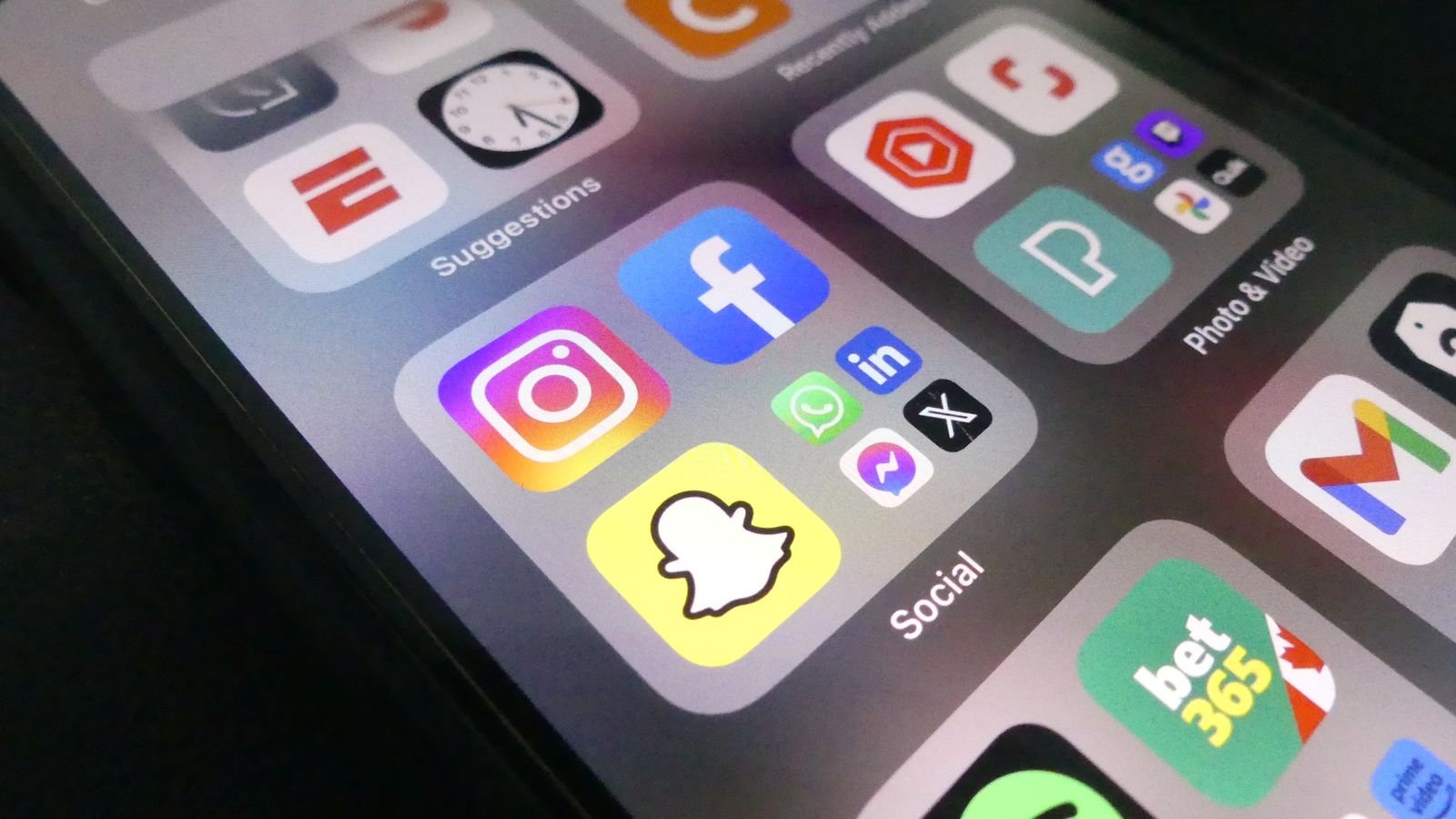
- Move distracting apps off your home screen into a folder on a secondary page. You keep the app, but lose the one tap habit of opening it automatically.
- Turn off notification badges for social apps specifically, since the red dot is often what triggers checking, not an actual need to look.
- Log out after each use for apps that allow it, turning a one tap open into a deliberate decision to log back in.
- Switch your screen to greyscale during set hours, which makes app icons and infinite feeds noticeably less compelling to browse.
Change when, not just how much
A blanket daily limit often gets bypassed out of habit. Scheduling specific blocked hours, like the first thirty minutes after waking up and the hour before bed, tends to work better because it targets the moments when scrolling happens automatically rather than by choice. Both iPhone and Android let you schedule “Downtime” or “Focus Mode” windows where only apps you specifically allow remain accessible.
Replace the trigger, not just the app
Most phone checking happens in response to boredom, a lull in conversation, or a notification, not because of a genuine need to use the phone at that exact moment. Noticing what specifically triggers you to pick it up, and keeping something small nearby as an alternative for that specific moment, tends to reduce reaching for the phone more effectively than willpower alone.
Check your progress weekly, not daily
Both platforms show a weekly screen time report. Checking daily tends to create either guilt or obsessive tracking, neither of which helps. A weekly glance is enough to notice a genuine trend without turning the process itself into another thing to check compulsively.
FAQs
Do screen time blocking apps actually work better than built-in tools?
For most people, the built-in tools are sufficient once bypass options are switched off. Third party apps mainly help if you specifically need a limit you cannot personally override, since some offer settings that are harder to disable mid session.
Will reducing screen time affect apps I need for work?
No, limits can be set per app or per category, so work tools like email and messaging can stay fully accessible while only the apps you specifically choose are restricted.
Is greyscale mode actually effective, or just a gimmick?
Many people find it genuinely reduces the pull of visually engaging apps like social media and games, since colour is a significant part of what makes those interfaces compelling to keep scrolling.